For community managers
A calmer day at the front desk.
Members, guests, rooms and parcels on one screen, in order of what needs you first.
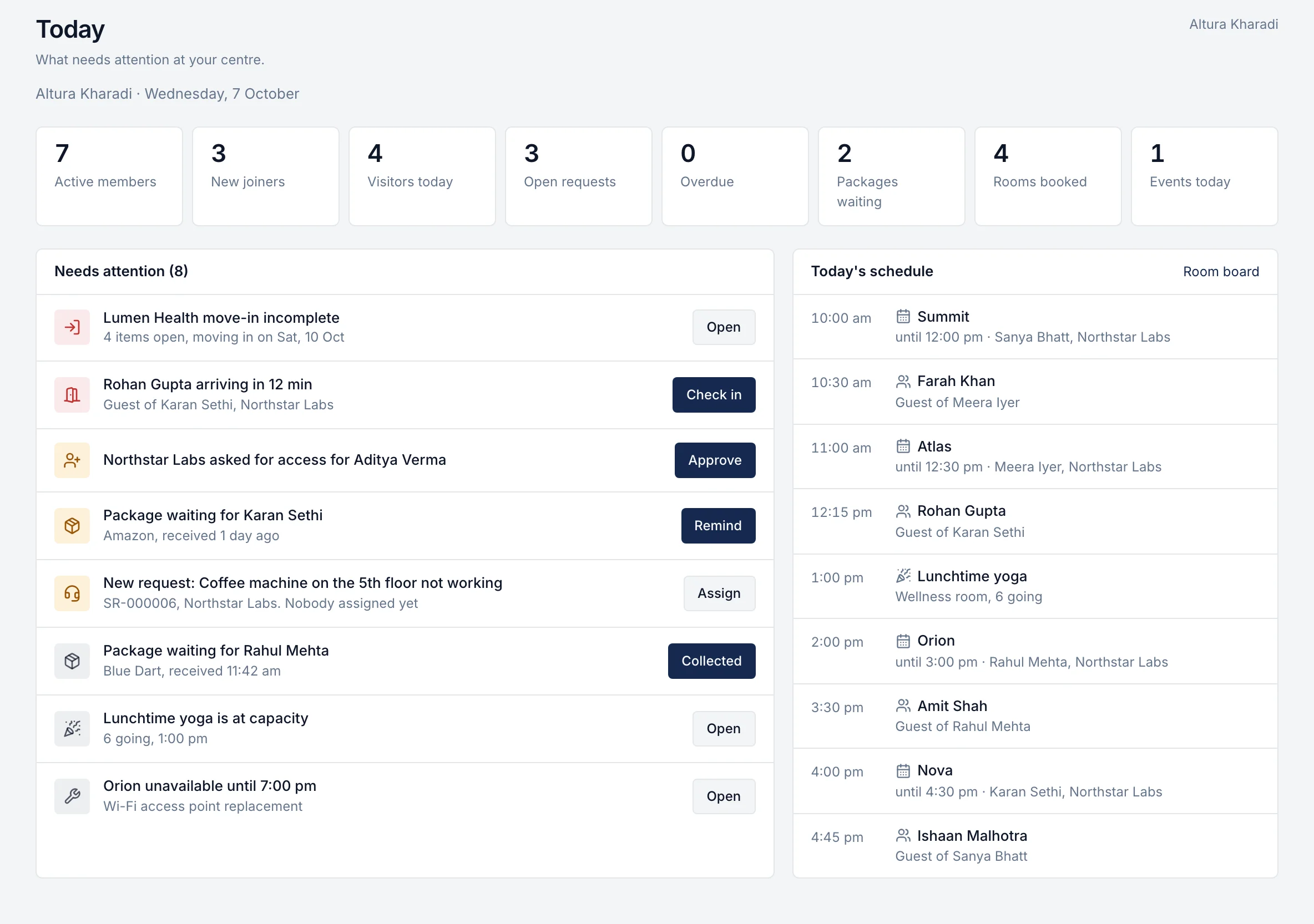
A day with Ananya at Altura Kharadi.
8:45 am
Open Today
Seven active members, three new joiners, four guests expected, two parcels waiting and three open requests. The feed is already in order of urgency.
See how9:10 am
Approve a new joiner
Northstar Labs asked for access for a new analyst. One tap sends the invitation, and they can sign in from their phone before lunch.
See how10:30 am
Check in a guest
Farah Khan arrives for an interview. One tap checks the guest in and tells the host at Northstar Labs.
See how11:42 am
Log a parcel
Blue Dart drops a parcel for Rahul. Search the name, tap the courier, add the shelf. Rahul is told before the courier has left.
See how12:30 pm
Fix a clash
Orion needs its Wi-Fi access point replaced. Block the room from 5 pm; nobody can book over it, and the request stays linked to the room.
See how3:00 pm
Close a request
The coffee machine is fixed. Resolve it with a note; the member sees it and rates the fix.
See how5:30 pm
Get ready for tomorrow
Founder Breakfast is at 9 am in the Community Lounge. A fire-drill notice is pinned for Friday. Lumen Health moves in on Saturday with four items left on its checklist.
See how
Fewer interruptions, because members help themselves.
Bookings, guest invitations and requests come in through the member app, already complete. You spend the day on the things that need a person.

Show your community team what their day could look like.
One hour with the people who built it, using your own centres. If rivonOS isn't the right fit, we'll tell you.